
How to Buy a Used Oscilloscope: A Lab Buyer’s Checklist
A professional oscilloscope bought pre-owned can cost much less than the same model new [confirm: savings % claim; the Sales page says “Save up to 80% compared with new equipment”, use only if approved]. For a lab or production line, the bigger risk is usually not a broken unit. It is a working unit in the wrong configuration: missing a bandwidth license, a serial decode option, the logic cable, or the probes you assumed were included.
This guide is written for lab managers, hardware engineers and purchasing teams buying 200 MHz to multi-GHz scopes from Keysight, Rohde & Schwarz and Tektronix. It covers how to define the specification, a 12-point remote checklist you can run before a cross-border purchase, what the “used” and “refurbished” labels mean, and an acceptance test to run when the scope arrives.
Step 1: Define the specification before you look at listings
Decide bandwidth, channel count, memory depth and software options first, then search for models. Listings are organized by model number, but your requirement is a set of measurements, and the same model can be configured very differently.
Bandwidth and sample rate
A common rule of thumb is to choose an oscilloscope bandwidth three to five times the highest frequency content you need to see. For digital signals, the edge rate matters more than the clock rate. A widely used approximation for a scope with a Gaussian-like response is:
- Rise time (10–90%) ≈ 0.35 / bandwidth
So a 1 GHz scope has a rise time of roughly 350 ps, and it will slow down faster edges. To measure a rise time with reasonable accuracy, the scope (and probe) rise time should be several times faster than the signal. Many high-bandwidth scopes use a flatter, “brick-wall” response with a different factor (often around 0.4 to 0.45) [confirm: factor per scope family from the manufacturer’s datasheet]. Sample rate should be at least 2.5 times the bandwidth on most real-time scopes, and per-channel sample rate can drop when several channels are on. Check the datasheet for the rate with all channels active.
For a deeper explanation, see our guide on how much oscilloscope bandwidth you really need [link: O3 post “How Much Oscilloscope Bandwidth Do You Really Need?” when published].
Channels: DSO vs MSO and digital channels
A DSO (digital storage oscilloscope) has analog channels only, usually two or four (some current models offer eight). An MSO (mixed signal oscilloscope) adds digital logic channels, typically 8 or 16, which are useful for embedded debugging, SPI or parallel buses and state machines. On many Keysight InfiniiVision models the MSO function is a license that can be added to a DSO, but the logic probe cable is a separate physical accessory [confirm: per series]. If a listing says “MSO”, confirm both the license and the cable.
Memory depth, segmented memory and triggering
Memory depth sets how long you can capture at full sample rate: capture time = memory depth / sample rate. Deep memory matters for long serial packets, power-supply start-up events and intermittent faults. Segmented memory lets the scope store many short triggered events and skip the dead time between them, which is useful for bursty buses and radar or pulsed RF work. Advanced triggers (zone, protocol, runt, setup/hold) are often license options, so list the ones you rely on.
Software options you actually need
Typical paid options include serial bus trigger and decode (I²C, SPI, UART, CAN, LIN, USB, automotive Ethernet and others), jitter and eye analysis, power analysis, frequency response analysis, and compliance test packages. Write down the exact protocols and analyses you need. It is easier to buy a unit with the right licenses already installed than to add them later.
Step 2: The 12-point remote checklist
Ask the seller for evidence on these 12 points before you pay. For international purchases, photos and screenshots are your main inspection tool, so ask for them early and compare them against the listing.
- Exact model and suffix. Get the full model number from the rear-panel label, not just the listing title. On Keysight InfiniiVision scopes, “DSOX” and “MSOX” prefixes and the A, G or T suffix indicate digital channels and product generation. Our InfiniiVision X-Series guide [link goes live when O2 is published] explains how to read these codes. Also note the serial number; licenses are tied to it.
- Options and licenses. Ask for a photo or screenshot of the licenses or installed-options screen. On InfiniiVision models this is typically under Help > About Oscilloscope; on Infiniium models under Help > About [confirm: menu paths per model]. Compare every option against your requirement list, including bandwidth, memory, MSO, serial decode and WaveGen.
- Self-test result. Ask for a screenshot of a passed self-test (and self-calibration where the model supports it). A self-test does not prove accuracy, but a failure is an immediate red flag.
- Probe-compensation trace on every channel. A photo of the probe-compensation square wave on each analog channel, one at a time, shows that every input and its front end responds. Look for a clean square wave with correct amplitude and no missing channel.
- Front-panel controls and touchscreen. Worn rotary encoders can skip or jump. Ask whether all knobs and buttons respond correctly and, on touchscreen models, whether the full screen area responds.
- Display defects. Ask for a photo of a full-screen white or grid display to reveal dead pixels, backlight bleeding or dim areas.
- Input connectors. Inspect the BNC connectors for damage and, on AutoProbe-interface models, check that the probe interface pins are straight and clean. On high-bandwidth scopes with 3.5 mm, 2.92 mm or 1.85 mm inputs, ask for close-up photos of the connector faces.
- Firmware version. Ask for the installed firmware version. Newer firmware can add features or fix bugs; on some models an update may change behavior or require a license. Check the manufacturer’s release notes.
- Fans and thermal behavior. Ask whether the fans run smoothly and quietly after warm-up and whether the unit shows any over-temperature messages. Blocked or failing fans shorten the life of the acquisition hardware.
- Calibration status. Ask for the latest calibration certificate or test report. A useful certificate shows the calibration date, the laboratory, traceability to national standards, the as-found and as-left measured data, and measurement uncertainty. A sticker alone is not documentation.
- Included accessories. Get an item list: passive or active probes, logic cable, power cord, front cover, manuals or recovery media. Used scopes are often sold without probes.
- Warranty, quality-issue policy and packing. Get the warranty length and coverage, the seller’s policy for quality issues found after delivery, and the packing method in writing before purchase. TXRX pre-owned equipment comes with a 1-year warranty [confirm: warranty coverage details]. There is no fixed return window: if an inspection confirms a product-quality issue, TXRX will repair or replace the unit. Returns for reasons other than product quality are not accepted. Scopes should ship in a fitted box or crate with foam protection for the front panel.
Summary table
| # | Check | Evidence to request |
|---|---|---|
| 1 | Model and suffix | Rear-panel label photo with serial number |
| 2 | Options and licenses | Screenshot of license / installed options screen |
| 3 | Self-test | Screenshot of passed self-test |
| 4 | Channel response | Probe-comp trace photo, each channel |
| 5 | Controls | Confirmation all knobs/keys/touch work |
| 6 | Display | Full-screen photo |
| 7 | Input connectors | Close-up photos |
| 8 | Firmware | Version screenshot |
| 9 | Fans/thermal | Confirmation after warm-up |
| 10 | Calibration | Certificate or test report with data |
| 11 | Accessories | Written item list |
| 12 | Warranty/returns/packing | Written terms |
Step 3: Used, refurbished, or OEM-certified: what the labels mean
These labels are not standardized, so ask what work was actually done and documented. In general use:
- Used (pre-owned): previously owned equipment sold in its current condition. It may or may not have been tested.
- Refurbished: used equipment that has been inspected, repaired where needed and functionally tested. Cosmetic work and calibration may or may not be included.
- OEM-certified used: equipment refurbished and certified by the original manufacturer under its own program, usually with a manufacturer warranty and calibration.
At TXRX Instrument, every instrument we sell is inspected and functionally verified by our engineers, and calibration certificates or test reports are available for almost all equipment (per our Test Equipment Sales page) [confirm: whether every scope ships with a cal certificate or a test report]. TXRX pre-owned equipment comes with a 1-year warranty [confirm: warranty coverage details]. There is no fixed return window: if an inspection confirms a product-quality issue, TXRX will repair or replace the unit. Returns for reasons other than product quality are not accepted. Whatever the label, the useful question is: what documentation will arrive with this specific unit?
Step 4: Acceptance test when the scope arrives
Run a short, documented acceptance test as soon as the scope arrives, and report any issue promptly. A basic procedure:
- Inspect. Check the packing, the case, the connectors and the accessories against the item list.
- Warm up. Power on and let the scope warm up for at least 30 minutes [confirm: warm-up time from the model’s datasheet] before any measurement.
- Self-test and self-calibration. Run the built-in self-test, then the user self-calibration if the model has one.
- Check each channel. Measure a known DC level from a calibrated source or a recently calibrated DMM reference on each channel, and check the probe-compensation signal with each probe.
- Check triggering. Confirm stable edge triggering on each channel and any advanced triggers you paid for.
- Check the options. Open the license screen and confirm it matches the quote.
- Check save, export and remote control. Save a screenshot and waveform to USB, and connect over LAN or USB to confirm remote (SCPI) control works with your software.
- Record the results. Save screenshots and notes with the serial number and date.
If something fails, contact the seller promptly with the evidence. At TXRX, if an inspection confirms a product-quality issue, we repair or replace the unit.
Don’t forget probes and accessories
Probes are part of the measurement system, and they are often missing from used listings. Check three things:
- Probe interface compatibility. Keysight InfiniiVision and Infiniium scopes use AutoProbe interfaces (AutoProbe I or II, depending on the model) that identify the probe and supply power to active probes [confirm: interface per model]. A probe designed for one interface may need an adapter on another, or may not be supported.
- Probe bandwidth. The system bandwidth is limited by both the scope and the probe. A 500 MHz passive probe on a 2 GHz scope limits the measurement.
- Special probes. Power and automotive work often needs differential or current probes; high-speed digital work needs active probes with suitable tips.
Browse our Probes category for compatible probes, and ask us to confirm compatibility with your scope model before ordering.
High-bandwidth and sampling scopes: extra checks
High-bandwidth real-time and sampling scopes need additional checks because their inputs and licenses carry much of their value.
- Precision input connectors. Keysight UXR, MXR, Infiniium and R&S RTO-class scopes may use 3.5 mm, 2.92 mm, 2.4 mm or 1.85 mm inputs depending on bandwidth [confirm: connector per model]. Ask for close-up photos and, where possible, connector gauge readings. A damaged connector can damage your cables and adapters too.
- ESD history. High-bandwidth front ends are sensitive to electrostatic discharge. Ask whether the channel’s noise floor and bandwidth have been checked, not just whether the channel shows a trace.
- License-based bandwidth. On some high-end scopes, bandwidth is set by license. Confirm the licensed bandwidth on the license screen, not from the model name alone [confirm: per series].
- DCA (sampling) scopes. For equivalent-time sampling scopes such as the Keysight DCA family, the mainframe and plug-in modules must be compatible, and analysis software (for example PAM4 or TDECQ) is usually licensed. Ask for the module list, module firmware, and the software license list. See our explainer on real-time versus sampling oscilloscopes [link: O4 post “Real-Time vs Sampling (DCA) Oscilloscopes” when published].
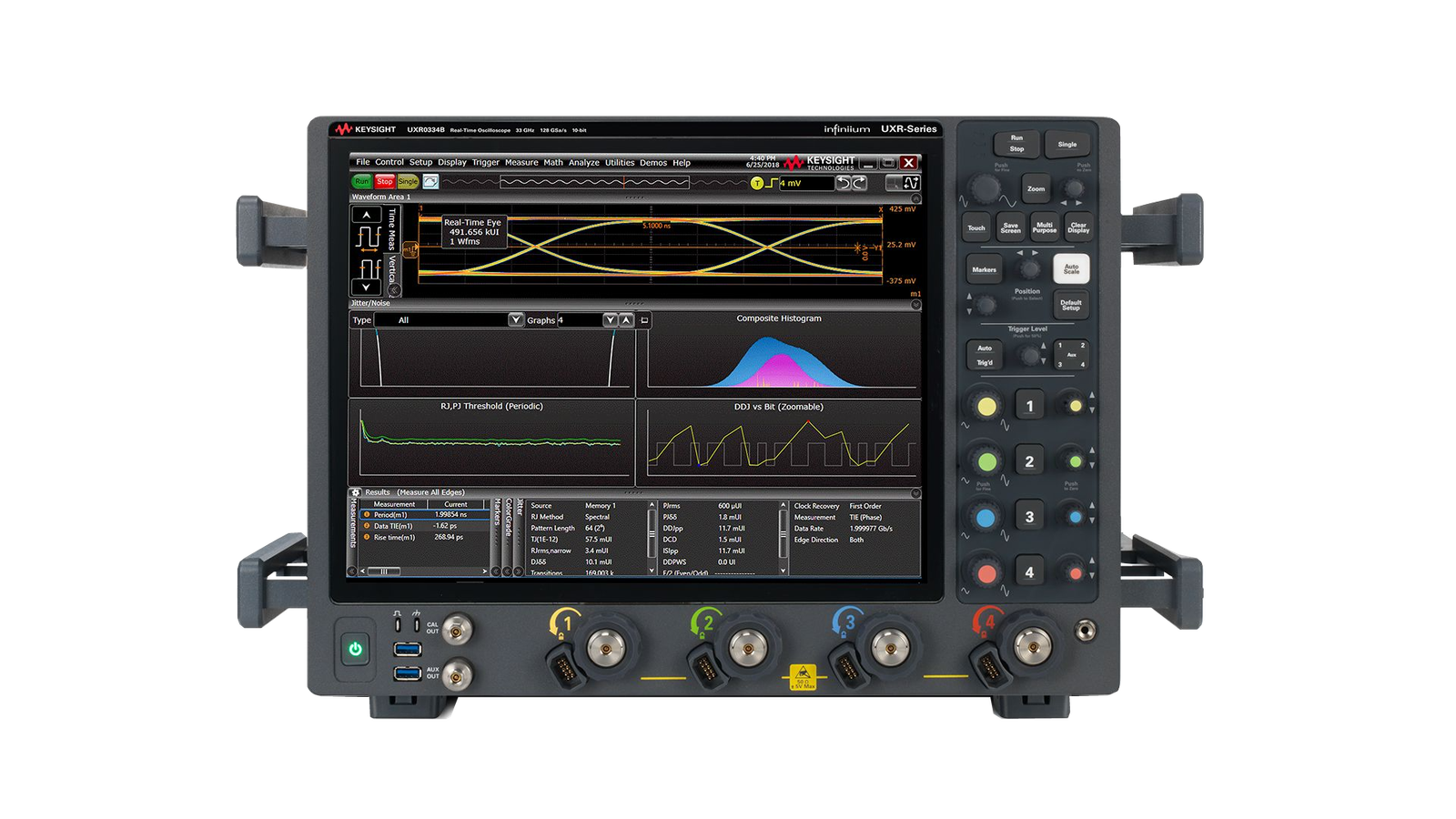
Keysight UXR0334B: representative image from the wnot.cn product page (the site labels it as not a photograph of the exact unit).
Example models across the range
Our Oscilloscopes category includes entry, mid-range and high-bandwidth models. Examples:
- Entry and teaching: Keysight DSOX1202A
- General-purpose bench: Keysight MSOX3104A, Keysight MSOX4154G, Tektronix MDO4104C
- Higher resolution and deeper memory: Rohde & Schwarz MXO 4, Rohde & Schwarz RTO2000
- High-speed digital and multichannel: Keysight Infiniium EXR258A, Keysight MXR608B
- Very high bandwidth: Keysight UXR0334B
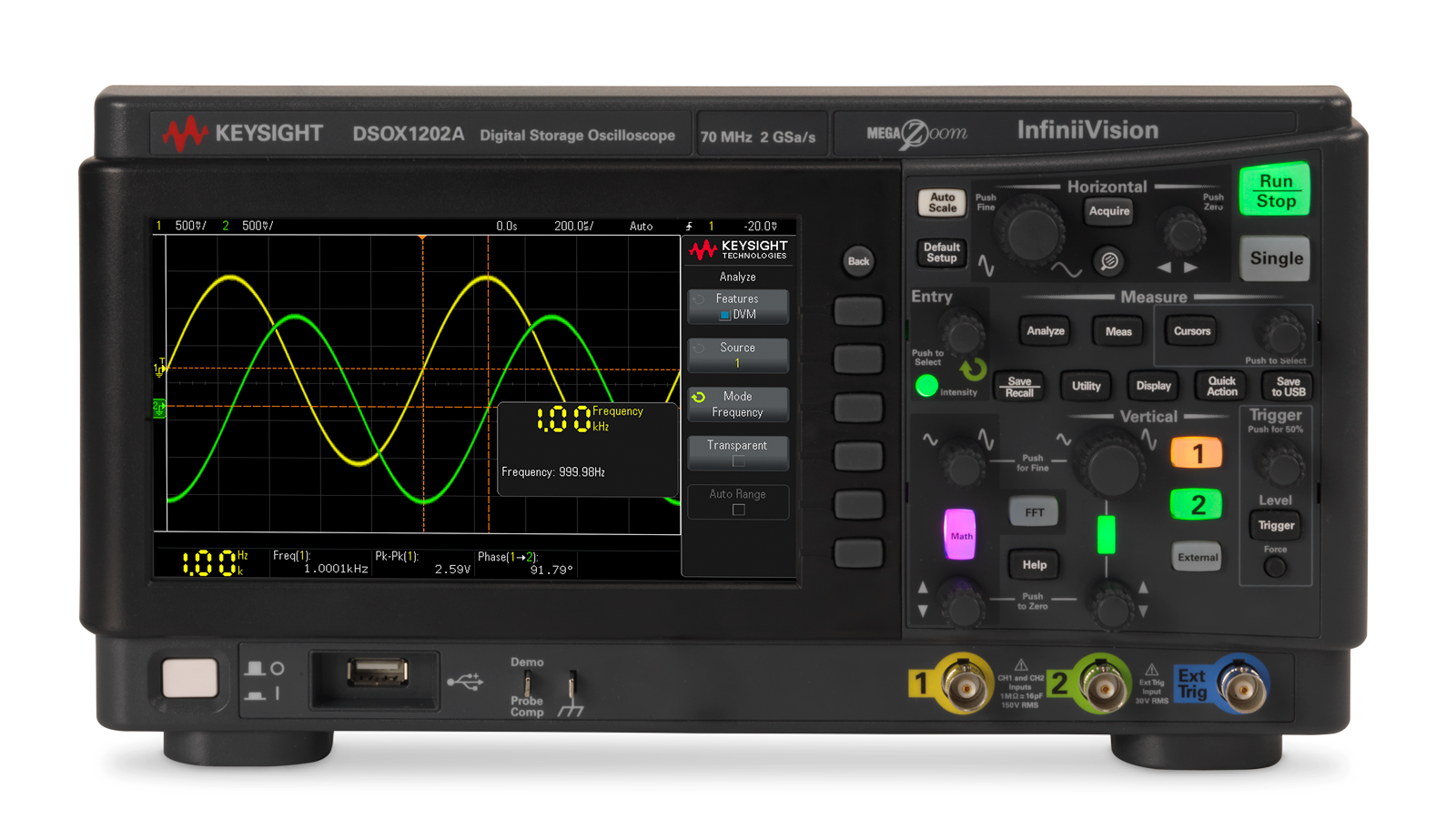
Keysight DSOX1202A: representative image from the wnot.cn product page (the site labels it as not a photograph of the exact unit).
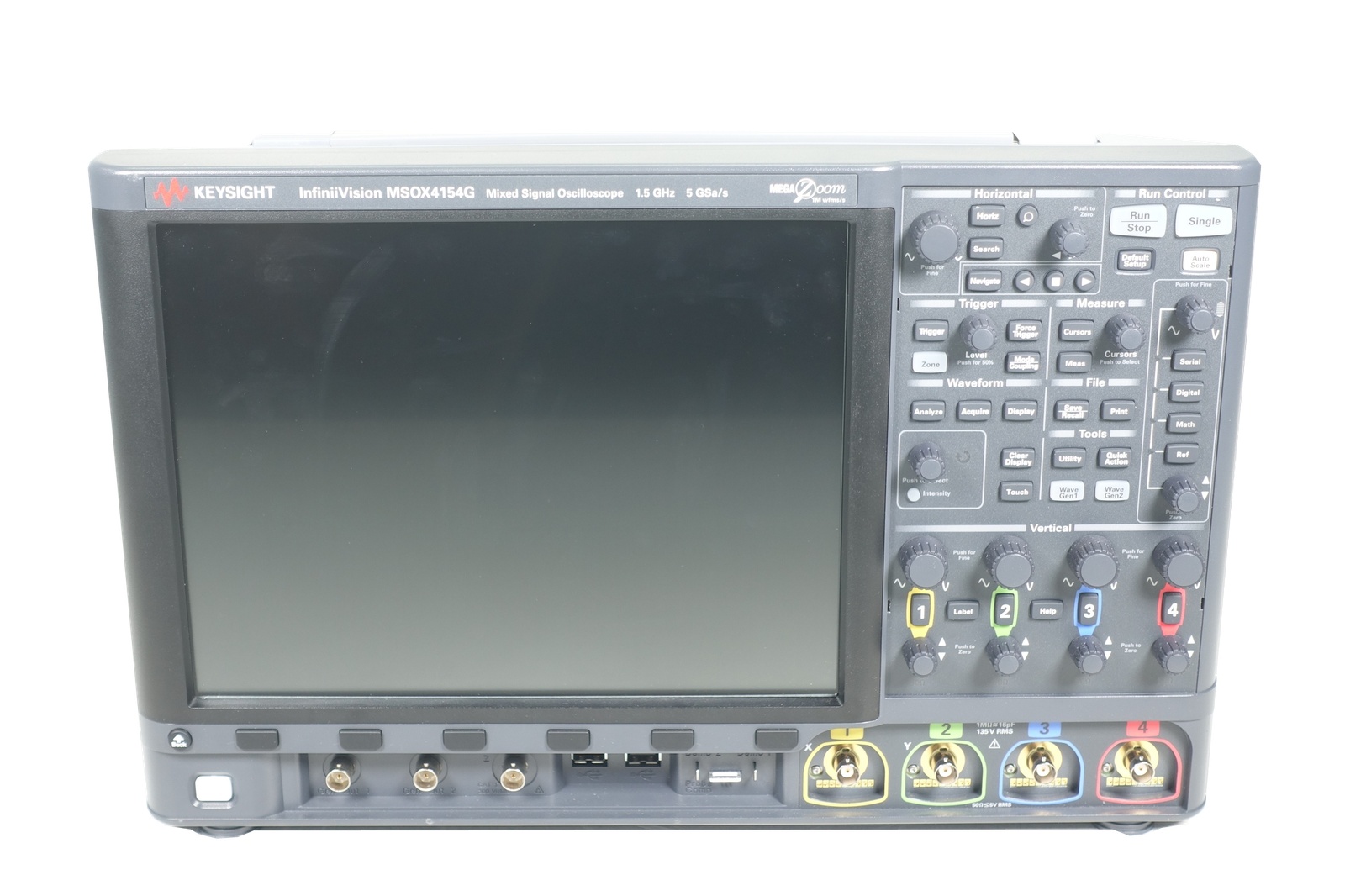
Keysight MSOX4154G: representative image from the wnot.cn product page (the site labels it as not a photograph of the exact unit).
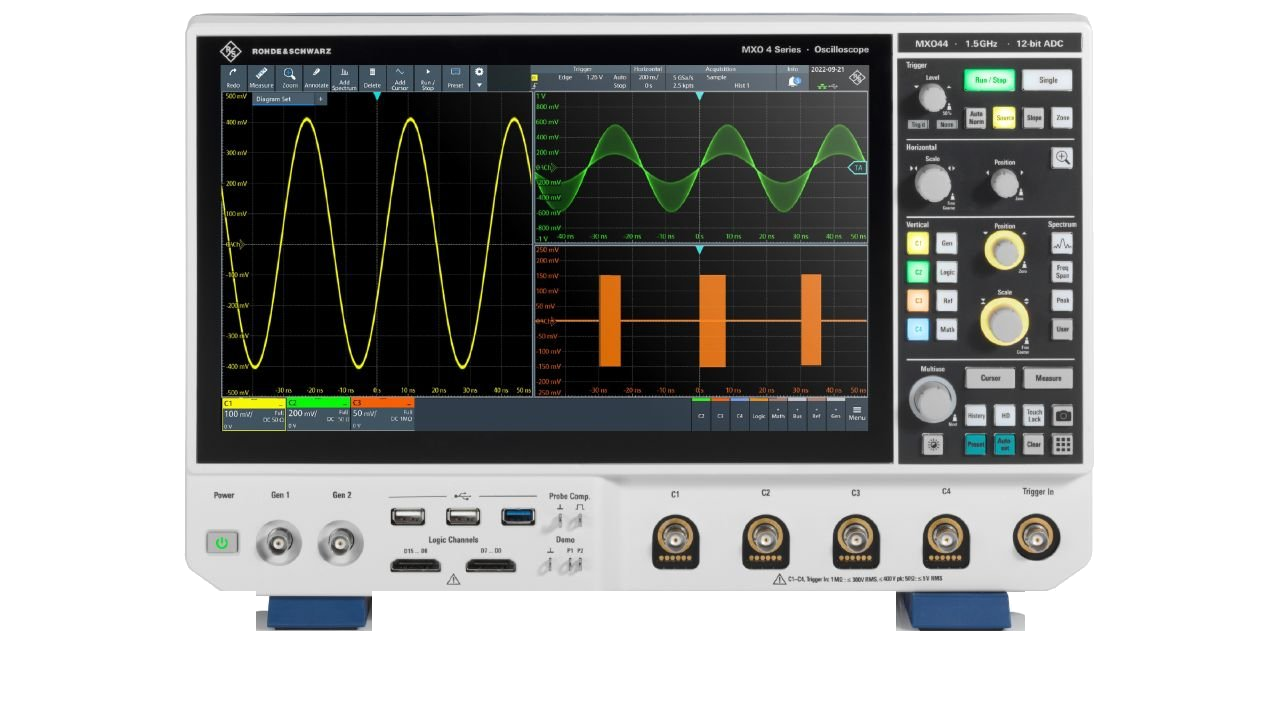
Rohde & Schwarz MXO 4: representative image from the wnot.cn product page (the site labels it as not a photograph of the exact unit).
Availability and configuration vary by unit [confirm: stock status at publication]; ask us for the installed options of a specific unit.
Printable checklist
| Check | What to ask for | Pass criteria |
|---|---|---|
| Model and suffix | Rear-panel label photo with serial number | Matches listing and quote exactly |
| Options and licenses | Screenshot of license / installed options screen | Every option you need is listed for this serial number |
| Bandwidth | License screen and model number | Licensed bandwidth meets your requirement |
| Self-test | Screenshot of self-test result | Passed, no errors |
| Channels | Probe-comp trace photo per channel | Clean square wave on every channel |
| Controls | Seller confirmation, video if possible | All knobs, keys and touch areas respond correctly |
| Display | Full-screen photo | No dead pixels, dark areas or backlight faults |
| Input connectors | Close-up photos | No bent pins, cracks or worn threads |
| Firmware | Version screenshot | Version recorded; compatible with your software |
| Fans and thermal | Seller confirmation after warm-up | Fans run; no temperature warnings |
| Calibration | Certificate or test report | Date, lab, traceability, measured data, uncertainty |
| Accessories | Written item list | Probes, logic cable, power cord and cover as quoted |
| Warranty and quality issues | Written terms | Warranty length, coverage and quality-issue policy agreed |
| Packing | Description or photo of packing | Fitted box or crate, front panel protected |
| On arrival | Your acceptance test record | All steps passed; any issue reported promptly with evidence |
FAQ
Is a used oscilloscope reliable?
Yes, a professional used oscilloscope can be reliable when it has been functionally verified, its calibration status is documented and its options are confirmed. Bench scopes are designed for long service lives. Most problems come from wrong configuration, worn controls or damaged inputs, which the checks above are designed to catch before you buy.
Should I buy a refurbished or a used oscilloscope?
The label matters less than the documented work. “Refurbished” usually means inspected, repaired where needed and tested, but the terms are not standardized. Ask what was tested, whether a calibration certificate or test report comes with the unit, and what warranty applies. A tested used unit with good records can be the better buy.
Can I upgrade bandwidth on a used Keysight scope?
On many Keysight InfiniiVision models, bandwidth upgrades are sold as software licenses [confirm: per series]. Licenses are tied to the instrument’s serial number and are purchased from Keysight, so check pricing and availability for the specific model before relying on an upgrade path. Some older or discontinued models may no longer have upgrades available.
Do used oscilloscopes come with probes?
Often not. Probes are usually sold separately or lost over a scope’s service life. Ask for a written item list that names the probe models, the logic cable for MSO models, the power cord and any front cover [confirm: whether TXRX quotes list included accessories]. Check probe interface compatibility before buying probes separately.
How do I test a used oscilloscope on arrival?
Inspect the unit and accessories, warm it up, run self-test and self-calibration, check each channel with a known DC level and the probe-comp signal, and confirm triggering, licenses, file export and remote control. Record results with the serial number and date, and report any issue to the seller promptly.
What should a calibration certificate show?
A useful certificate shows the calibration date, the laboratory that performed it, traceability to national or international standards, the measured as-found and as-left data, measurement uncertainty, and the instrument model and serial number. A certificate without measured data tells you less about the unit’s actual performance.
Need a specific scope configuration? Send us the model, bandwidth and options you need. We’ll confirm the configuration and photos before quoting.
Upgrading? Get a valuation for your old scope through our Asset Recovery service: Request valuation. If an existing scope needs attention, see our Repair Services.